
How to Use a Cashback Code at Dr Vape and Add Credit to Your Wallet
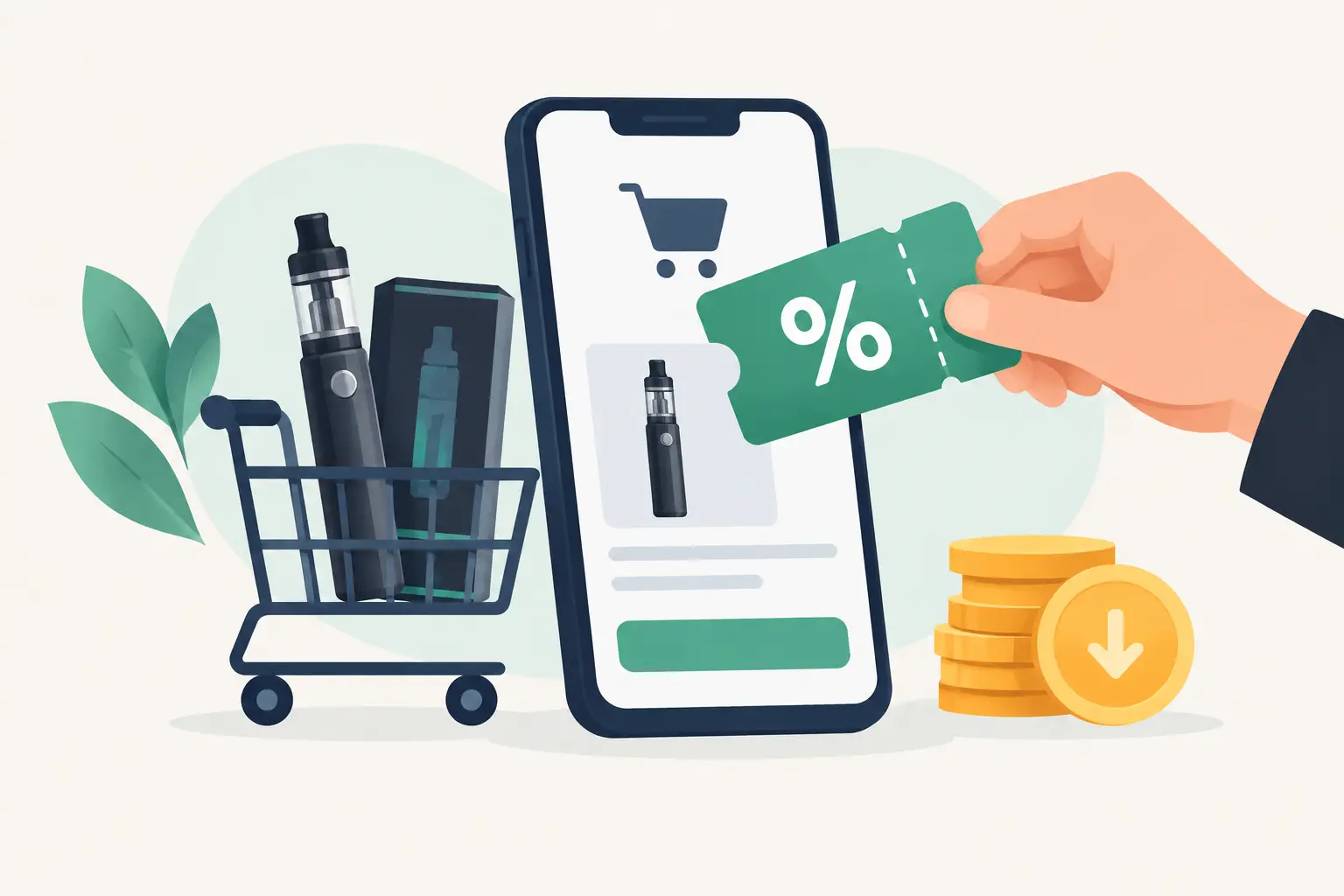
How to use a cashback code at Dr Vape: enter the code on an order of 300 SAR or more, and 10% of the product value is added to your wallet after you receive your order.
 By Dr Vape team
Before you press the pay button, there is one small step that gives you back part of your order value: entering the code in the right place. How to use a cashback code at Dr Vape is slightly different from other stores, because our codes such as DR10 are now cashback codes: they are not deducted from the price at checkout; instead, their value is added as credit to your wallet after you receive your order, to use on your next order of disposables, pods, coils, e-liquids or accessories.
A code is not just a few letters you type quickly. It has clear conditions, such as a minimum basket value, and may be linked to an offer period or particular products. Take a minute to check it before paying, order exactly what suits your device and taste, then enjoy credit coming back to you and fast delivery.
What is a cashback code at Dr Vape?
A cashback code is a promo code you enter on the checkout page. The system calculates a percentage of the value of the products in your cart and shows it in the order summary as cashback to your wallet. Unlike a traditional discount code, the amount is not taken off the current order; it is added to your store wallet once your order is complete and delivered.
For example, with the code DR10 and a cart of products worth 400 SAR, you pay 400 SAR and 40 SAR is added to your wallet after delivery. On your next order the credit is applied automatically and deducted from the total, and you can switch it off with the wallet balance toggle on the checkout page if you want to keep it.
Back to quick links ↑How to use a cashback code, step by step
Applying the code needs no technical knowledge or much time. Follow these steps in order:
- Choose the products you want and add them to your cart. Check the type, capacity and flavor, especially when buying prefilled pods, salt nicotine or coils compatible with your device.
- Make sure the value of the products in your cart is at least 300 SAR, the minimum for codes to apply. Gift cards and wallet top-ups do not count towards this amount.
- Open the checkout page, click the link for a cashback code or coupon, then type the code exactly as it is, with no spaces before or after.
- Click apply. A cashback line will appear in the order summary showing the amount that will be added for you, and the total to pay stays the same.
- Check the final price and any shipping fees, then choose your payment method and complete your order details.
Once the code is applied successfully, a congratulations message shows the cashback amount. If the cashback line does not appear, do not complete payment before finding out why. The problem is usually simple, such as a cart below the minimum or a mistyped code.
Back to quick links ↑When does the cashback reach your wallet?
The credit is added automatically when the order is complete, that is, once it has been delivered to you. You will find it on the My Wallet page in your account, with a record showing the order number it came from. So the order must be linked to your store account: sign in before paying so the credit reaches your wallet.
If the order is cancelled or returned after the cashback has been added, the credit is removed from the wallet, because cashback is a reward for an order that was actually completed.
Back to quick links ↑Why does a code sometimes not work?
A message saying the code does not apply does not necessarily mean there is a problem with your order. The most common reason is that the value of the products in the cart is below 300 SAR, and the message will tell you exactly how much is missing. The offer may also have ended, especially in seasonal campaigns, or the code may be limited to a particular category such as disposable vapes.
Codes also do not apply to gift cards or wallet top-ups, so if your cart contains only those, a message will explain this. Sometimes the cause is just a typing mistake: if the code is in English, use an English keyboard and make sure you have not replaced a number with a similar-looking letter.
Back to quick links ↑How to get the best value from the code
Start with products you really need, such as coils that are about to run out or the flavor you prefer. If your cart is close to 300 SAR, topping it up with consumables you will buy soon anyway can be a good choice, because you get cashback on the whole cart. Adding products you do not need just to pass the minimum is not always a good deal.
Remember that the cashback comes back to you on your next order. If you order your supplies regularly, the credit that builds up in your wallet keeps reducing the value of your future orders.
Back to quick links ↑Before paying: check these details
Once the code has worked, check the name, quantity and compatibility of each product with your device. This is especially important when buying coils or pods, because a different version can make the part unsuitable for the device you use.
Also check the delivery address, mobile number and payment method. If you are in Riyadh, delivery speed may be an important factor in your decision. Outside Riyadh, putting together a complete order of the products you use regularly can help you reduce repeated shipping fees and reach the cashback minimum.
Do not try to use more than one code on the same order unless the offer clearly says so; choose the offer that suits you best and apply it before completing payment.
Back to quick links ↑Can I use the code with cash on delivery?
Yes, the payment method does not usually prevent the code from applying, including cash on delivery. The cashback is added after the order is complete as usual.
What matters is making sure the cashback line appears in the order summary before you confirm, whichever payment method you choose, because what shows on the checkout page is what will be applied.
Back to quick links ↑Make the code part of smarter shopping
Use a cashback code when it suits your order, not as a reason for random buying. At Dr Vape, a smart shopper combines the 100% original products they need, credit that comes back to their wallet after every order, and fast delivery. Watch the order summary, make sure your products are compatible, then complete your order with confidence, seeing the cashback clearly calculated.
Dr Vape is a vape store in Al Malqa, Riyadh. We write about the devices, disposables and flavours we stock to help you choose what suits you. For adults 18+ only.
All articles ←